
Change Requests & Revisions
Manage photo revision requests from clients through a structured workflow.
How It Works
Clients can request photo edits and revisions after their shoot is complete (Business plan).
- Client submits a change request through their portal with specific instructions (reframe, retouch, add virtual staging, etc.)
- Admin receives a notification and reviews the request
- Admin assigns the request to a staff member (photographer or editor)
- Staff completes the revisions
- Client is notified that updates are ready
- Client reviews and approves
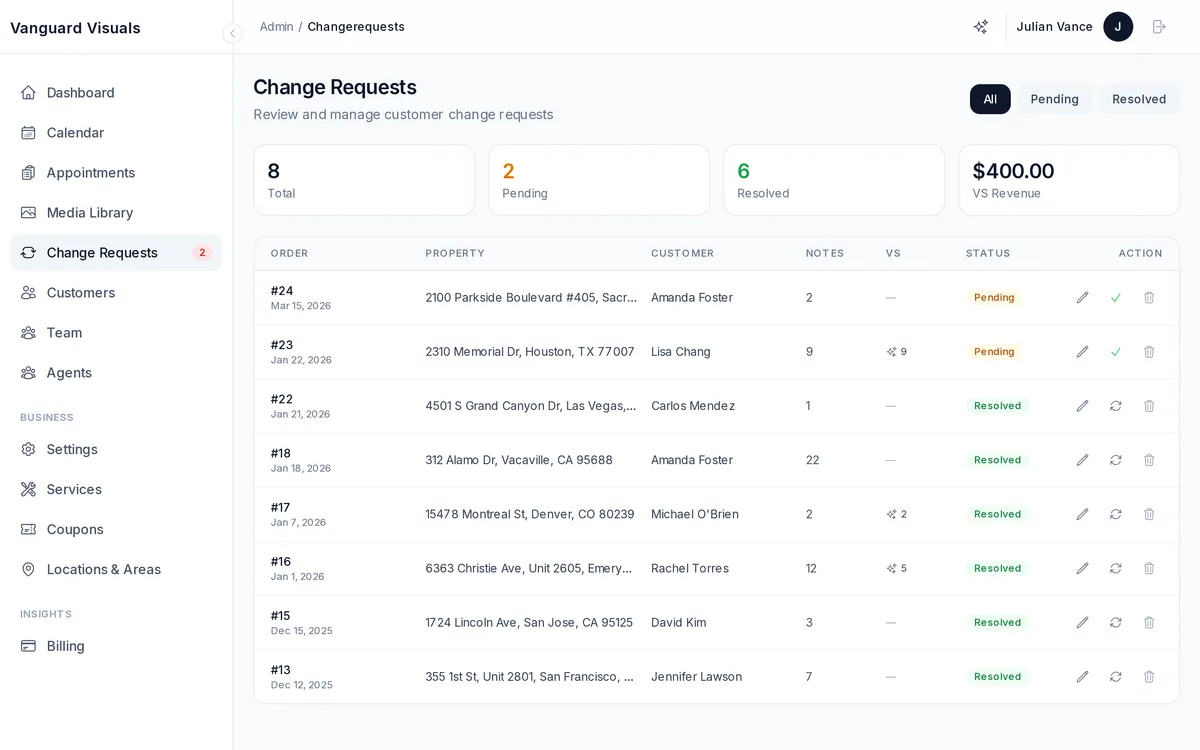
Admin Dashboard
The change requests admin view shows:
- Pending requests awaiting assignment
- In-progress requests with assigned staff
- Completed requests
- Photo previews for context
- Batch multiple requests per appointment