
Custom Domains & Branding
Map your own domain and customize colors, fonts, and logos.
Custom Domains
Map your own domain to PhotoFounder:
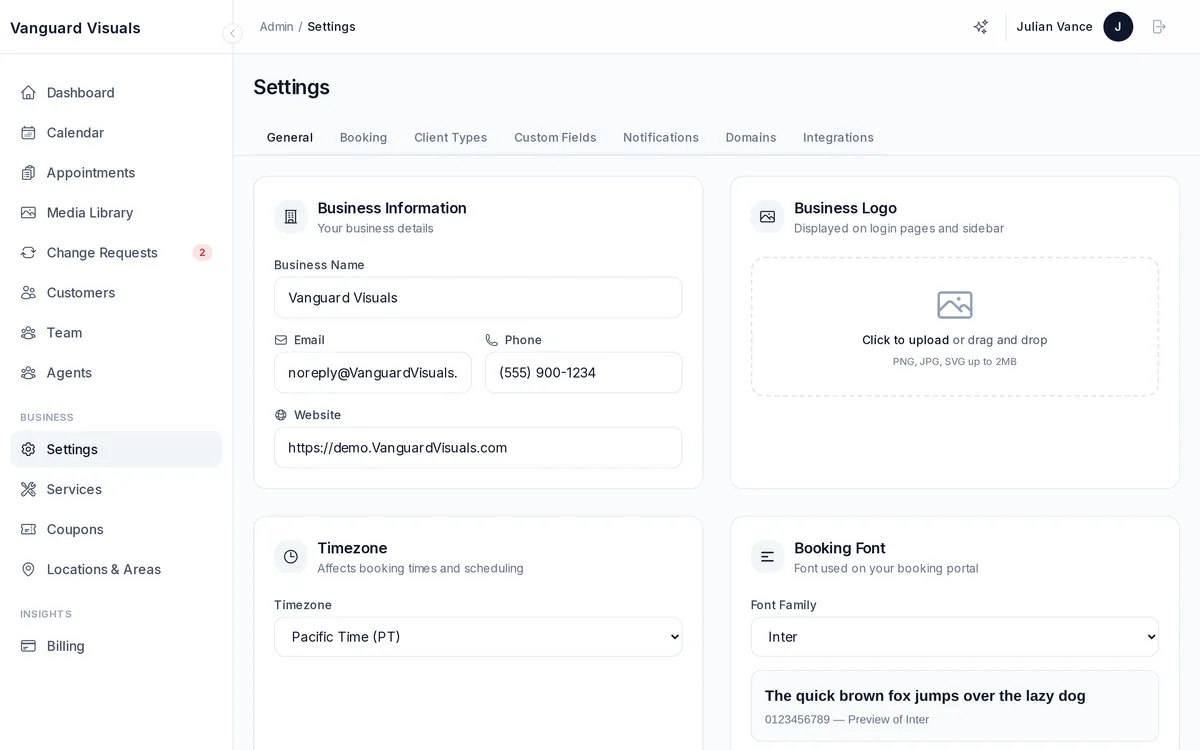
- Go to Admin → Settings → Domains
- Add your custom domain (e.g.,
acmephoto.com) - Add the DNS CNAME record as instructed
- PhotoFounder verifies the DNS and provisions SSL automatically
Your custom domain provides branded URLs for your client dashboard (app.acmephoto.com), admin dashboard (admin.acmephoto.com), and property websites (property.acmephoto.com).
Branding
Customize the look and feel across all your portals:
- Logo — displayed in headers, emails, and booking portal
- Favicon — browser tab icon
- Primary color — buttons, links, and accent elements
- Secondary color — supporting UI elements
- Font family — choose from Inter, Roboto, Open Sans, Lato, Montserrat, Poppins, or System
- Dark mode — toggle dark mode for your portals
Your branding is applied to the booking portal, customer portal, email notifications, property listing websites, and print materials.