
3D Virtual Tours (Matterport)
Attach 3D virtual tours to appointments and embed them on property websites.
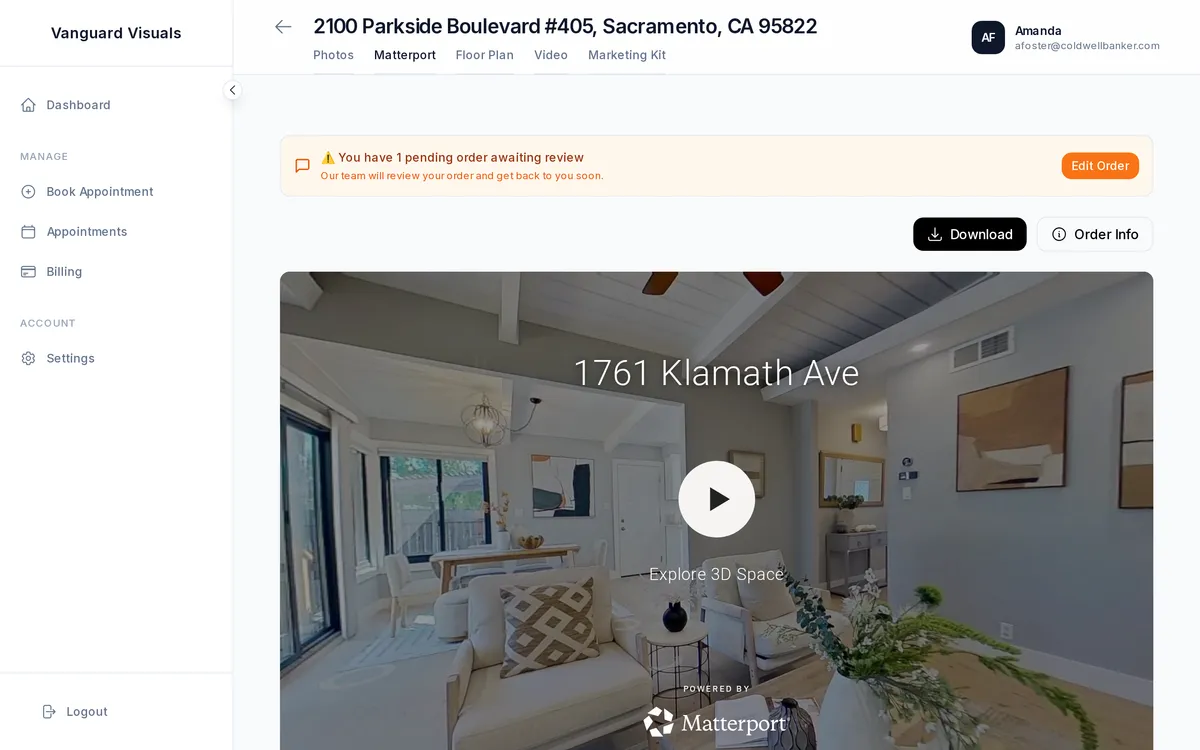
Features
- Automatic embedding — tours are embedded on property listing websites
- Multiple link types — branded link, unbranded link, MLS-compatible link
- Auto-sync — when a Matterport scan completes, it appears in PhotoFounder automatically
Setup
- Go to Admin → Settings → Integrations → Matterport
- Connect your Matterport account
- Tours are automatically linked to your appointments