
Payments & Billing
Accept payments, manage invoices, and purchase AI credits.
Stripe Integration
Connect your Stripe account to accept online payments:
- Go to Admin → Settings → Integrations → Stripe
- Click "Connect with Stripe" to link your Stripe account
- Payments are processed directly to your Stripe account
Payment Features
- Online checkout — clients pay during booking via credit/debit card
- Saved payment methods — returning clients can use saved cards
- Payment adjustments — add manual adjustments (discounts, additional charges)
- Refunds — process refunds through the admin dashboard
- Free appointments — the payment step is skipped for $0 bookings
Your PhotoFounder Subscription
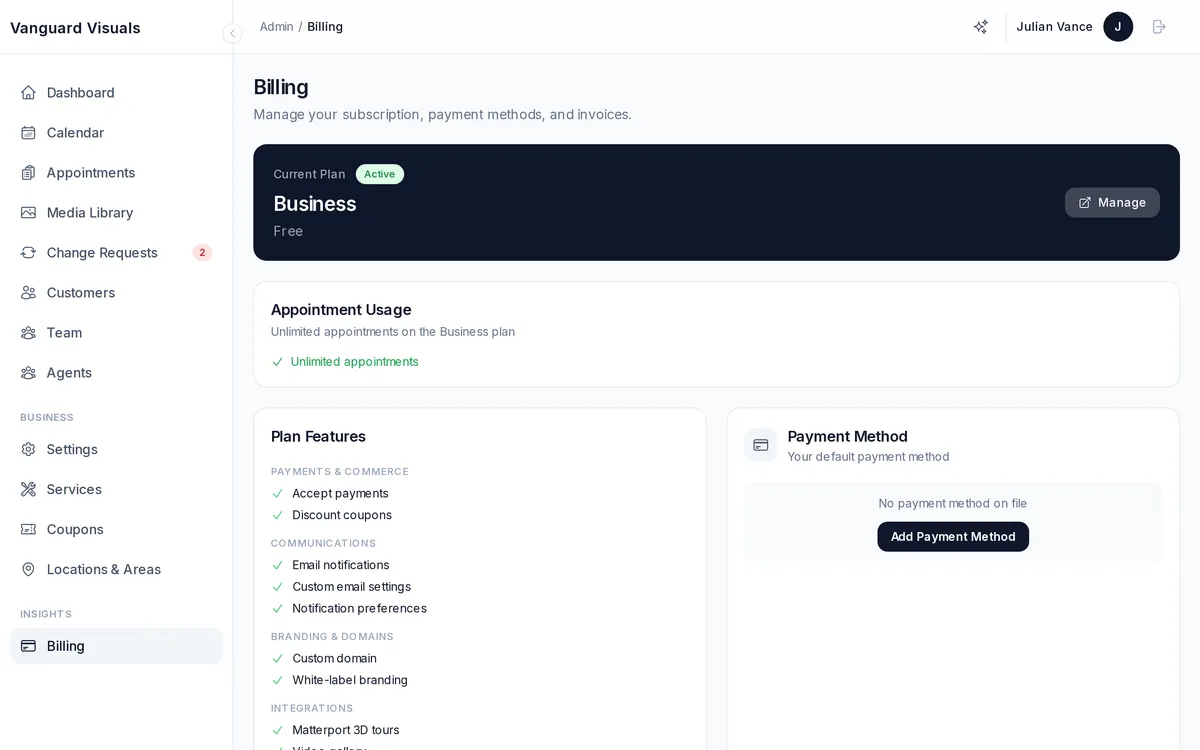
Your own PhotoFounder subscription is managed separately:
- View your current plan and features in Admin → Billing
- See invoice history with PDF downloads
- Update your payment method
- Access the billing portal for subscription changes
AI Credits
Some AI features (virtual staging, slideshows, auto-edit) use credits:
| Feature | Cost Per Use |
|---|---|
| Auto-Edit (HDR) | $0.55/photo |
| Slideshow Render | $0.50/render |
| Virtual Staging | $1.99/render |
| Twilight Conversion | $1.99/render |
Purchase and monitor your credit balance in Admin → Settings → Integrations → Credits.
SMS Credits
SMS notifications consume credits. View your balance, purchase additional credits, and configure auto-reload thresholds in Admin → Settings → Integrations → SMS.